


























Interactive · this is Session 2 of MediaSmith

Tap the five layers. Watch what the AI decides for you.

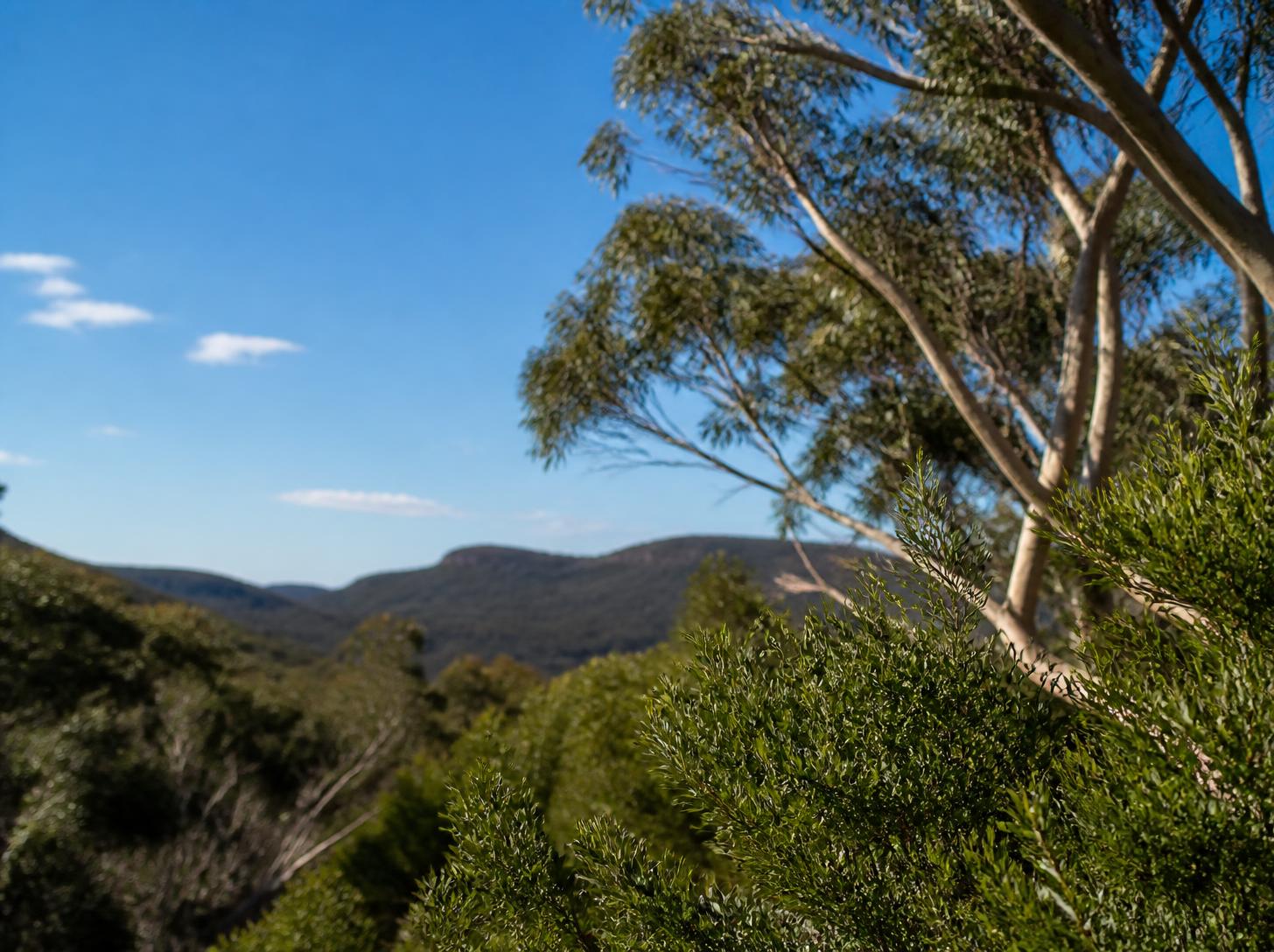
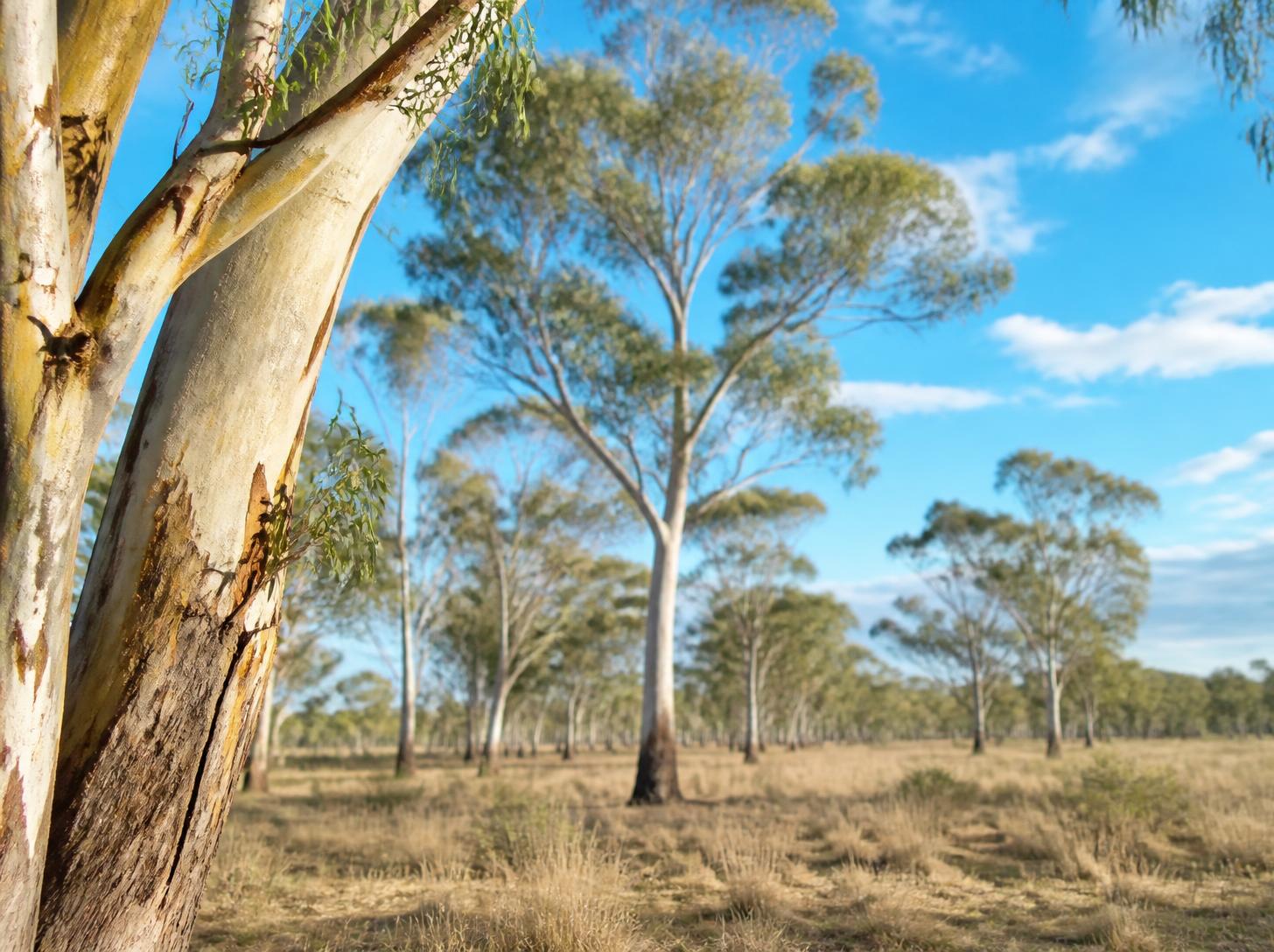
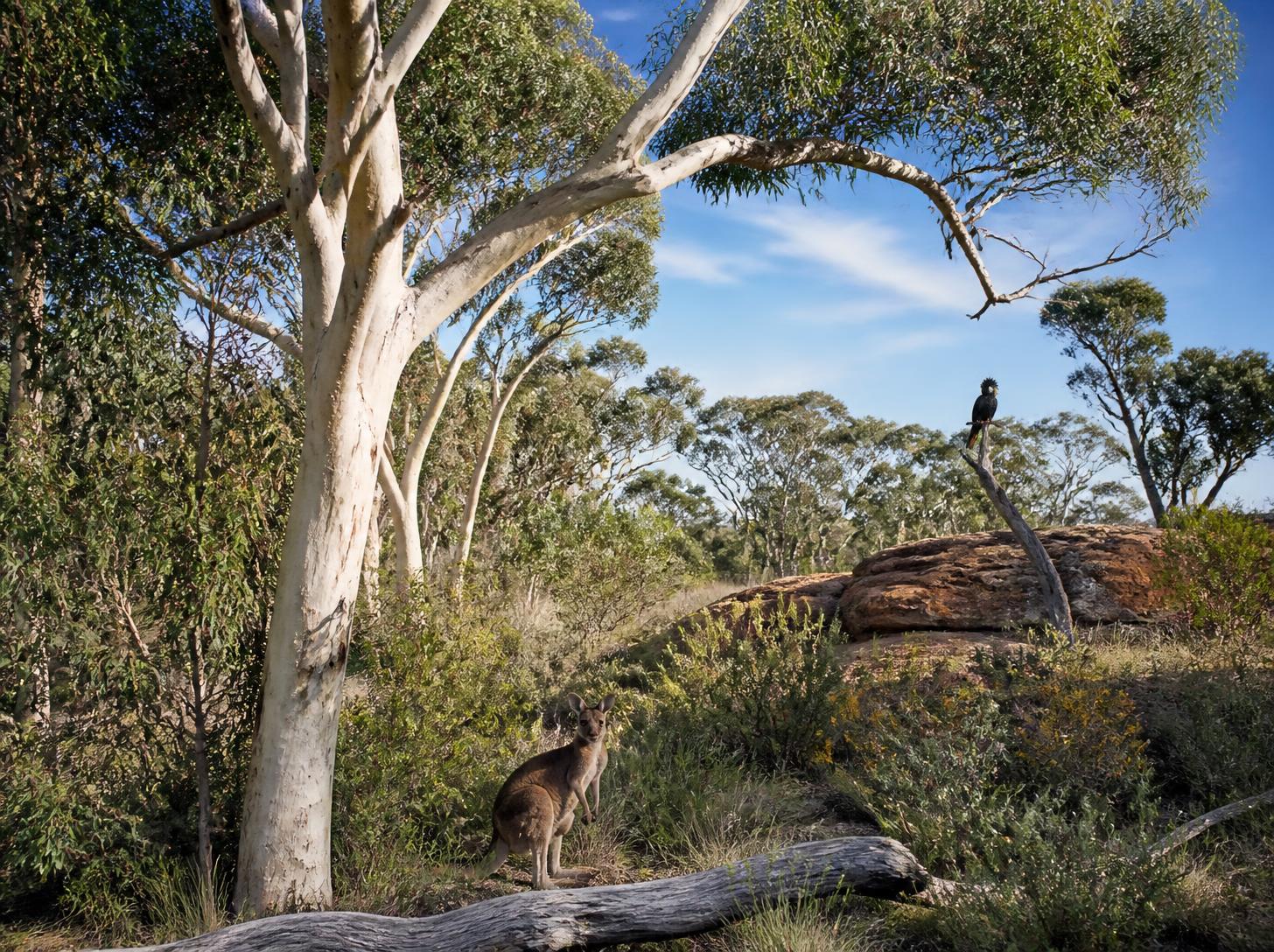
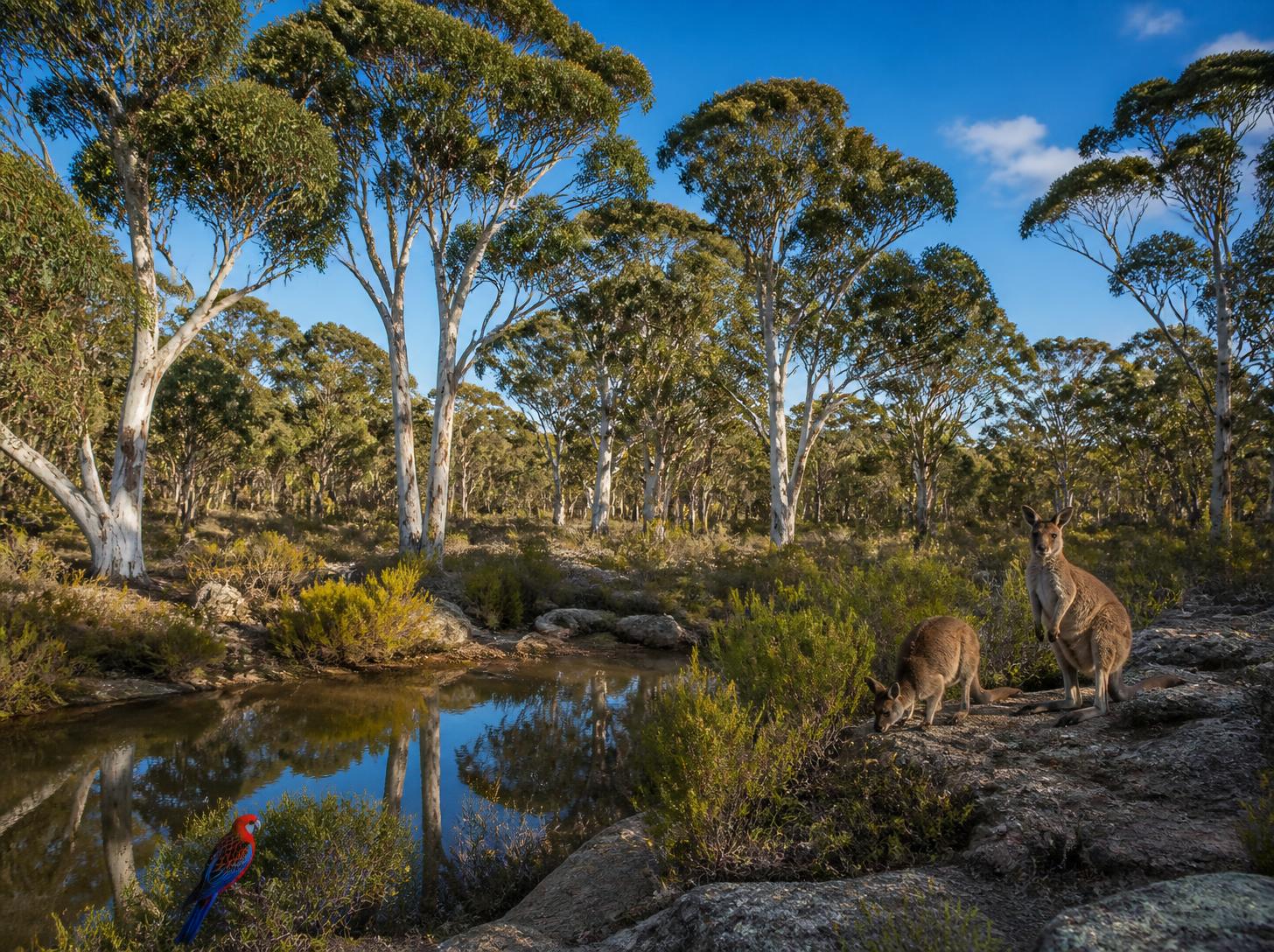
Every picture here was generated from exactly the words below. Switch a layer off and the AI fills the gap with its own guess. Your child learns to leave it no gaps.

The prompt · 0 of 5 layers
…

Nothing written, nothing made. Tap a layer to start.

Nothing written, nothing made.
Tap a layer.
No prompt

31 combinations, 31 real generations. Nothing here is mocked up.

MediaSmith · Content That Clicks · Grades 5-8

That was two minutes of a fifteen-hour course.

Five tutor-led sessions at your ACROBO centre. Your child generates images, designs a poster, makes a 15-second video without a camera, and finishes with a checklist for deciding when AI work is good enough, honest and responsible.

1

The Five-Layer Prompt

What you just used. Subject, setting, style, mood, details. Miss one and the AI answers the question for you.

2

Generate, Evaluate, Choose

Never generate once and grab what came back. Make several, find the flaw in each, pick on purpose.

3

Good Enough, Honest, Responsible

Session 5 is entirely about judgement. Can I is easy. Should I is the skill.

Five sessions, five things to bring home

About 40 minutes of video and 100 minutes of hands-on work each. Everything saves as they go, and each session picks up what the last one built.

1

What Is AI Art?

And why it matters that you can spot it

  • How an image generator makes a picture, and why it has no idea what it drew
  • Image generator, image editor and video generator: which does which job
  • The five classic AI failures on sight: hands, text, counting, symmetry, physics
  • Generate, evaluate and choose, instead of grabbing whatever came back
Comes home with
A first generated image, and its first flaw found
Tools: an image generator
2

Talking to AI

The five layers that turn decent into astonishing

  • Write a prompt with all five layers: subject, setting, style, mood, details
  • Say what each layer does by removing it and watching the image change
  • Iterate with specific language instead of "make it better"
  • Spot the five prompt mistakes that ruin most results
Comes home with
A five-layer prompt for their own project
Tools: an image generator
3

Making Images and Graphics

From a prompt to something you would actually print

  • Generate inside a design in Canva instead of downloading and re-uploading
  • Firefly for photorealism, Generative Fill to change one patch
  • The five essential edits: background, colour, crop, text, cleanup
  • Make a set of images look like a family
Comes home with
A finished poster, designed not just generated
Tools: Canva, Adobe Firefly
4

Making Short Videos with AI

No camera, no actors, no studio

  • Plan a video in three parts before generating a frame
  • Text to video and image to video in Runway, and when each is right
  • Join clips, add music and on-screen text in CapCut, then export
  • Design around what AI video cannot do: faces, hands, fast movement
Comes home with
An exported 15-second video with music and a title
Tools: Runway, CapCut
5

Judging AI Like a Pro

Is it good? Is it right?

  • Run the six-point quality list on any image or clip, from memory
  • Test whether an image tells the truth about what it claims to show
  • Notice when the AI defaults to the same kind of person, and change the prompt
  • Who owns AI art, why it is complicated, and how to credit it honestly
Comes home with
Work that passes all three checks, plus a credit line and a visual collection
Tools: everything from the course
Book MediaSmith
$195.00for the course · $39.00 a session
Grades
5-8
Sessions
5 × 1.5 hours
Class size
Max 12, tutor-led
Where
Your ACROBO centre

Add a place to your cart, then pay or send your list to your centre. Students bring their own laptop.

Questions parents ask

What does my child need?

Their own laptop and a stable internet connection. Sessions use ChatGPT, Canva, Adobe Firefly, Runway and CapCut; accounts are set up before the sessions that need them.

Is it just pressing "generate"?

No. Every session teaches a framework first, and the work is choosing, editing and checking what comes back. Session 5 is entirely about judgement: is it good enough, is it honest, is it responsible.

What about deepfakes and fairness?

Covered directly. Students sort real scenarios into fine, needs a rethink, or never; learn to notice when the AI defaults to the same kind of person; and write a credit line for their own work.

Does their work carry across sessions?

Yes. Everything they type saves in their browser. The prompt from Session 2 comes back in Session 3, the visual signature from Session 3 comes back in Session 4, and Session 5 collects it all.

Grades 3-8 • STEAMFind a Course →